Field guides

Guides for planning rack moves, choosing server lifts and reviewing loaded demonstrations.

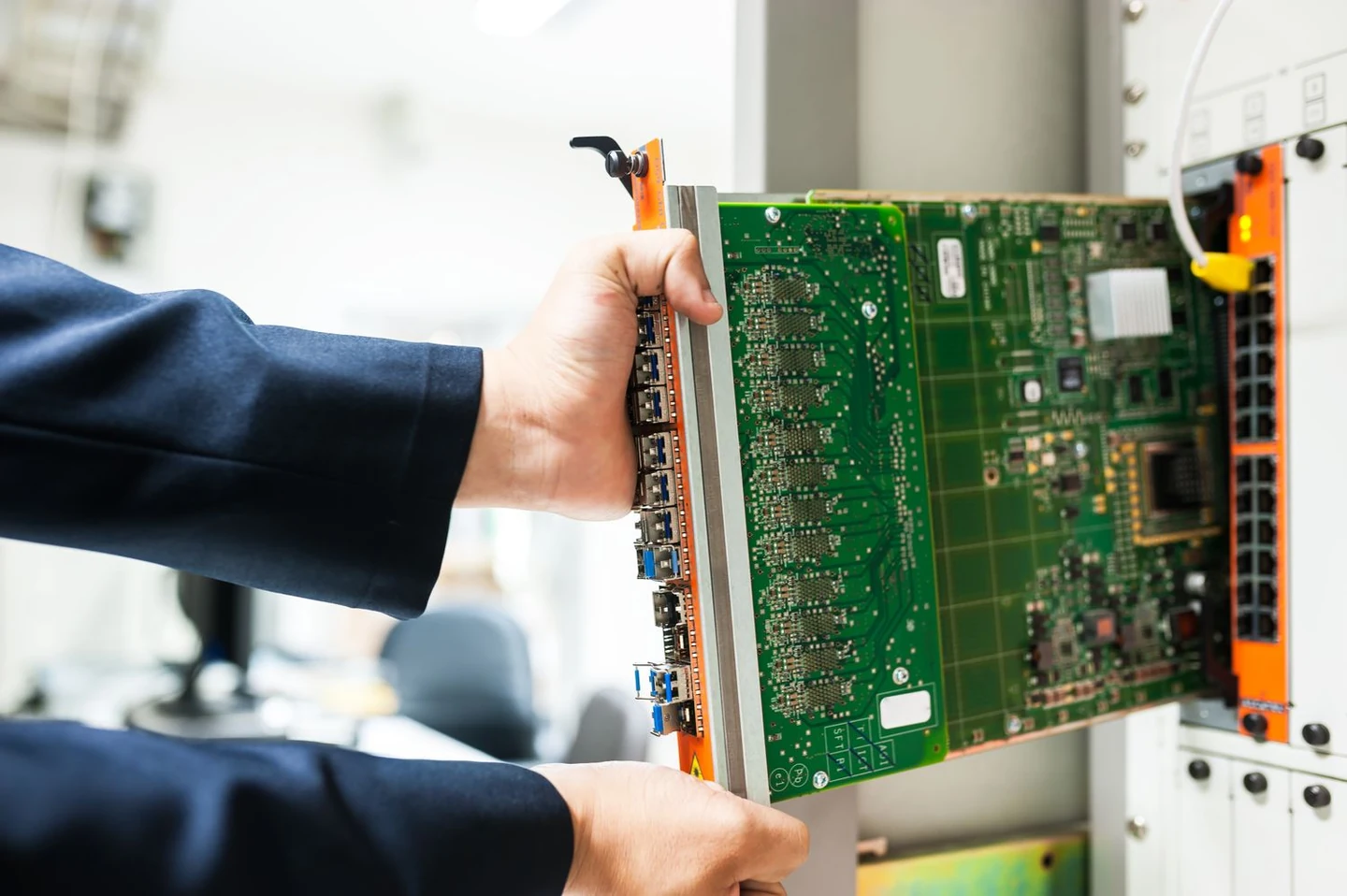
Hands guiding a network module into rack equipment

How to measure a rack transport route

Prepare a quote for RT-2000

Record the loaded cabinet dimensions, tight turns and floor limits before selecting a tug.

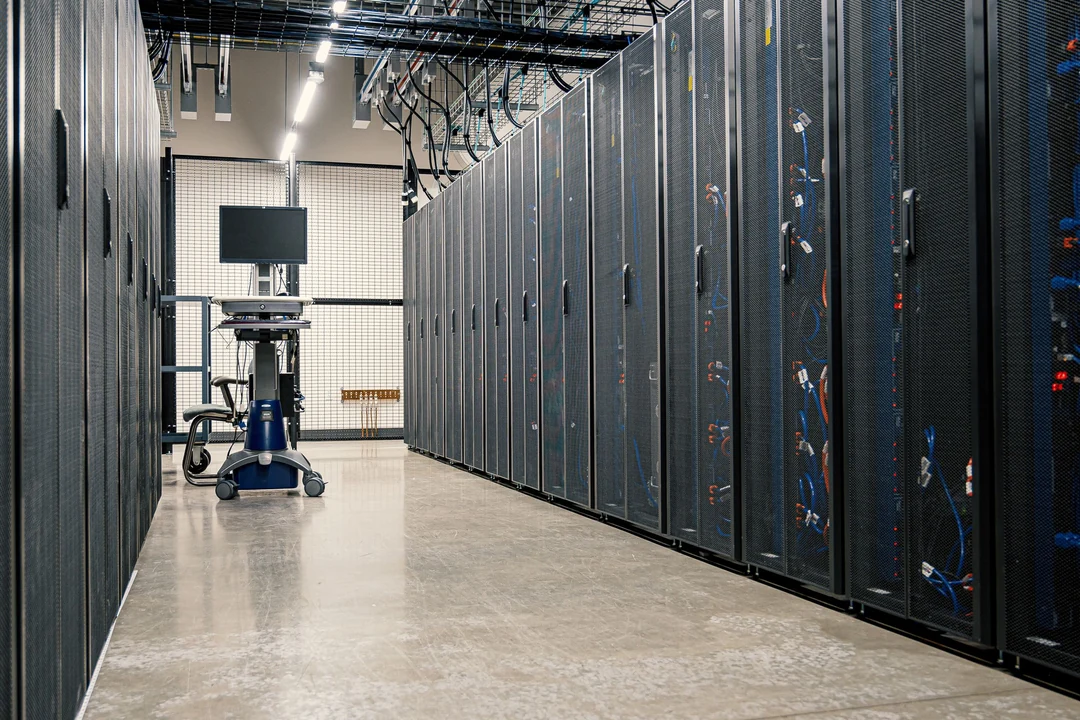
A clear transport aisle between rows of server cabinets

Start with the combined footprint

  • Record the combined footprint of the loaded rack, bracket and proposed tug.
  • Record the attachment points approved by the rack manufacturer.

Check each pinch point

  • Record clear door openings, narrow aisles, the smallest turn, ramp gradients and thresholds.
  • For moves between floors, measure the elevator opening and interior.

Confirm floor and elevator loads

  • Ask the facility team for floor and elevator limits, including wheel loads where applicable.
  • Include those limits and the loaded rack weight in the quote brief.

How to choose a server lift

Browse server lifts

Match chassis weight, rail height and platform reach to the installation.

  1. Measure the chassis and rails

    List the heaviest chassis, its dimensions and center of gravity. Record both the starting surface and the highest rail position so the lift can be checked at both ends of the transfer.

  2. Check reach and insertion direction

    A lift must align the chassis with the intended rails. Check the platform dimensions and insertion direction, and leave clearance for the lift base and operator.

  3. Read the rating for the configured platform

    For dual-level lifts, check whether the published rating is a combined load. Confirm load limits for the selected platform or attachment on the quote.

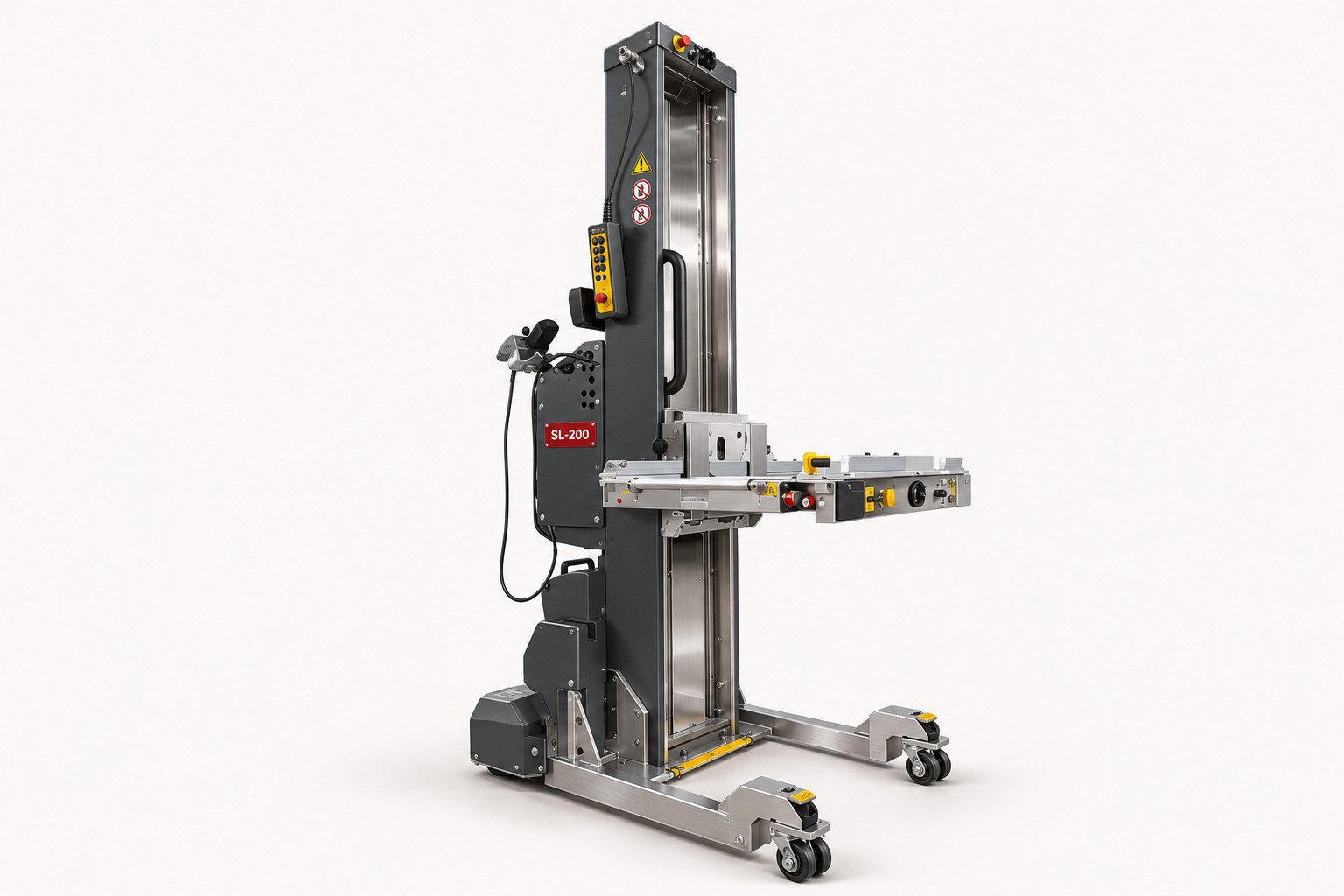
SL-200 product illustration
SL-200

What to verify in a loaded rack demo

View RT-2000 specifications
Before the demo
Share the rack model, caster layout, attachment points and loaded weight. If the route includes a slope or threshold, agree with the supplier on what can be demonstrated at that load and configuration.
During the demo
Ask the team to identify the bracket, restraints and load in use. Watch powered forward and reverse travel, a controlled turn and a stop.
After the demo
Record the load, floor and attachment used. Compare them with your own site conditions before confirming the configuration.
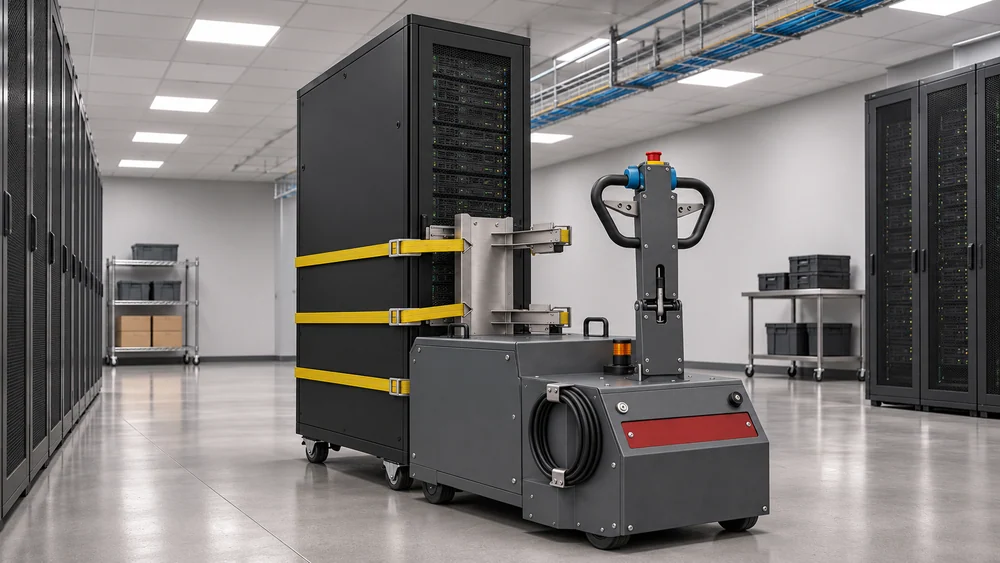
RT-2000 and server rack staged together for a loaded demonstration
RT-2000